
AI product planning, not AI prose
From a paragraph to a
shipping-ready spec in 30 minutes.
VibeMap generates personas, user stories, acceptance criteria, database schema, and page inventory from a plain-English idea. Every artefact linked. Every edit propagated. Handoff-ready for humans, Cursor, or Claude.
No credit card · free tier covers one project · VIBE50 gets 50% off Pro
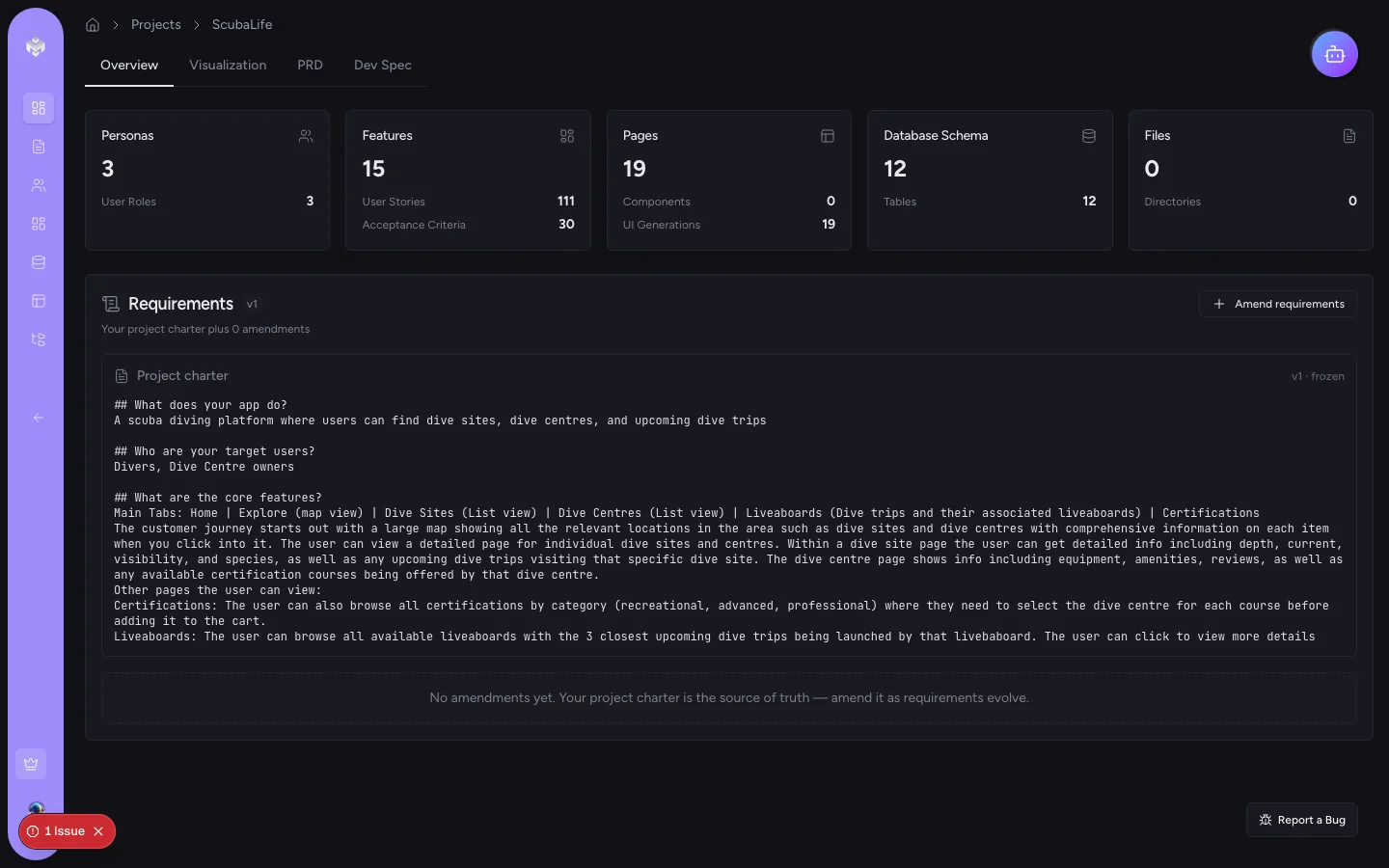
The seven-stage pipeline
Every artefact a spec actually needs.
Each stage receives the previous stage's output as explicit context — so personas link to stories, stories link to schema fields, schema links to pages.
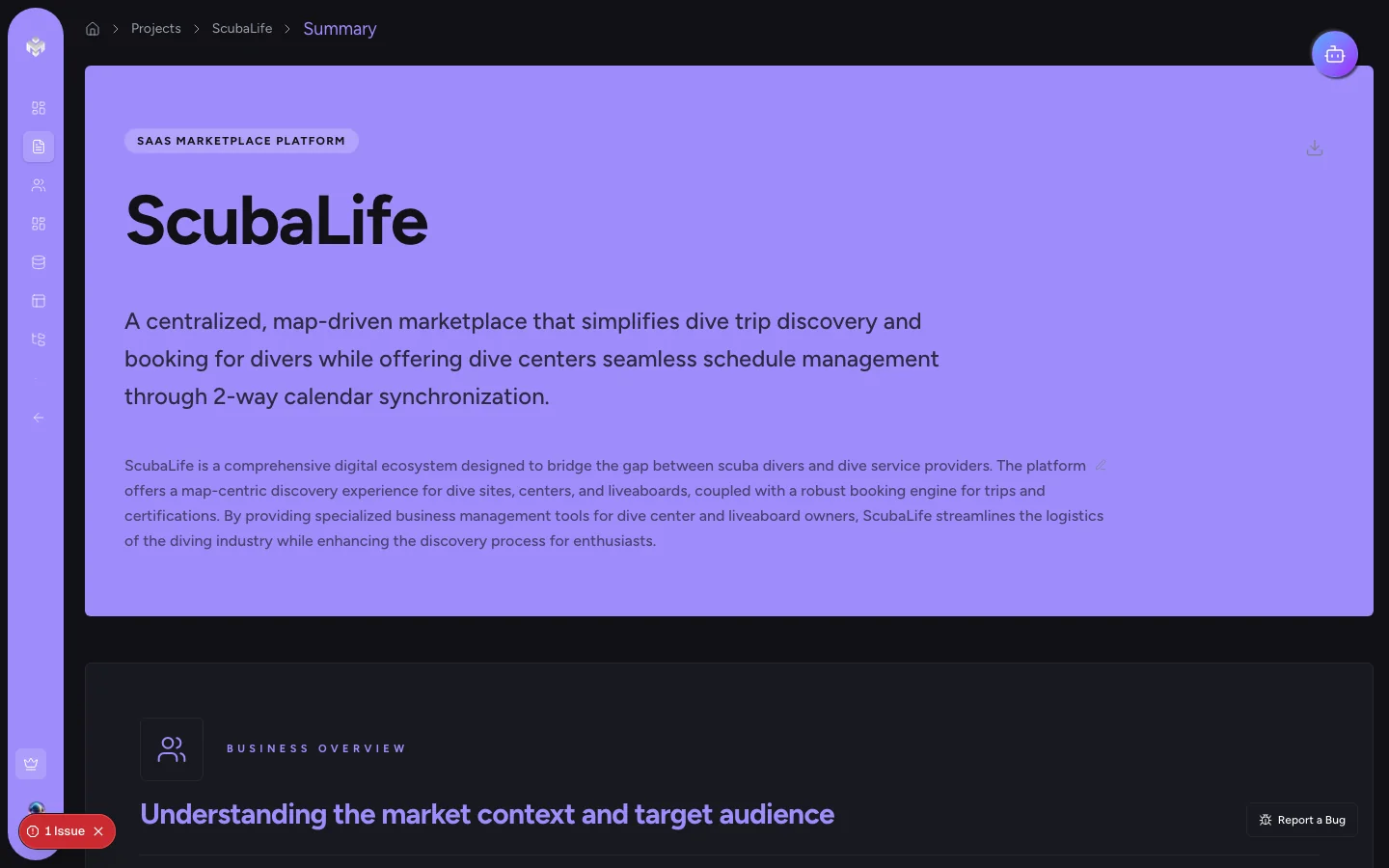
Project summary
A structured 300-word summary with target users, non-goals, and constraints.
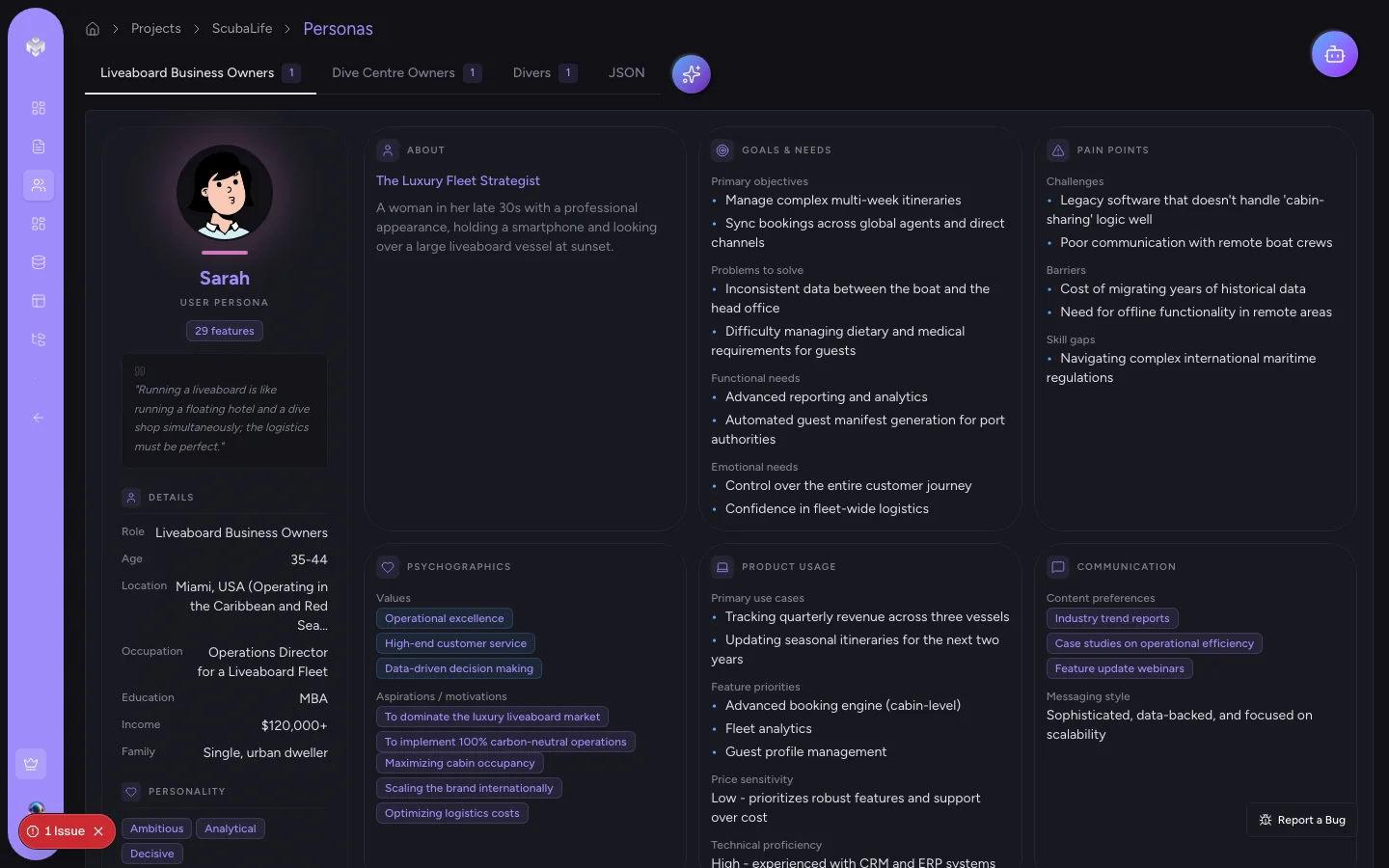
Personas
Three distinct personas with roles, tools, goals, pains, and quotes.
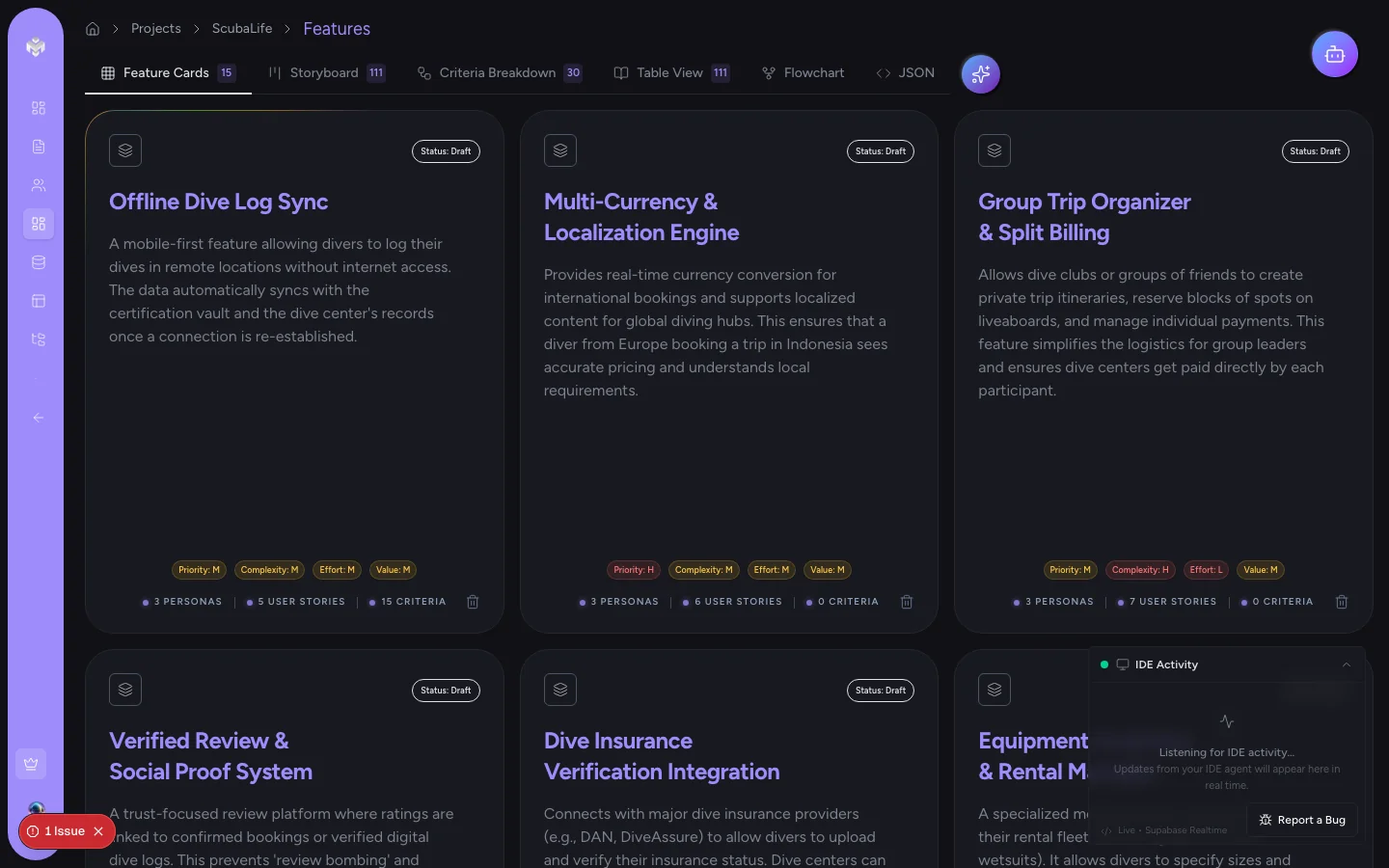
Features
A MoSCoW-prioritised feature list linked to the personas that need them.
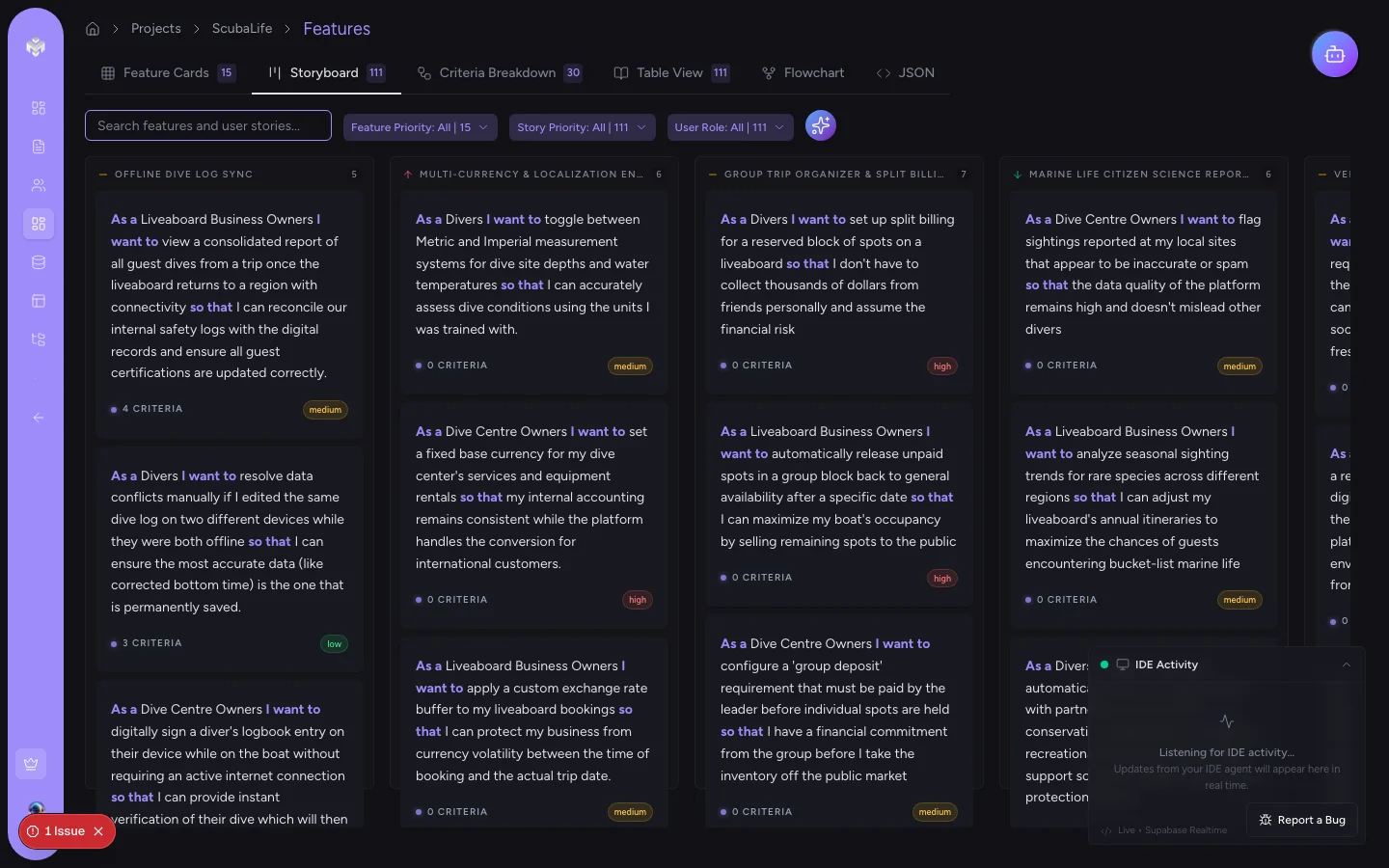
User stories
INVEST-format stories, each tied to a named persona and feature.
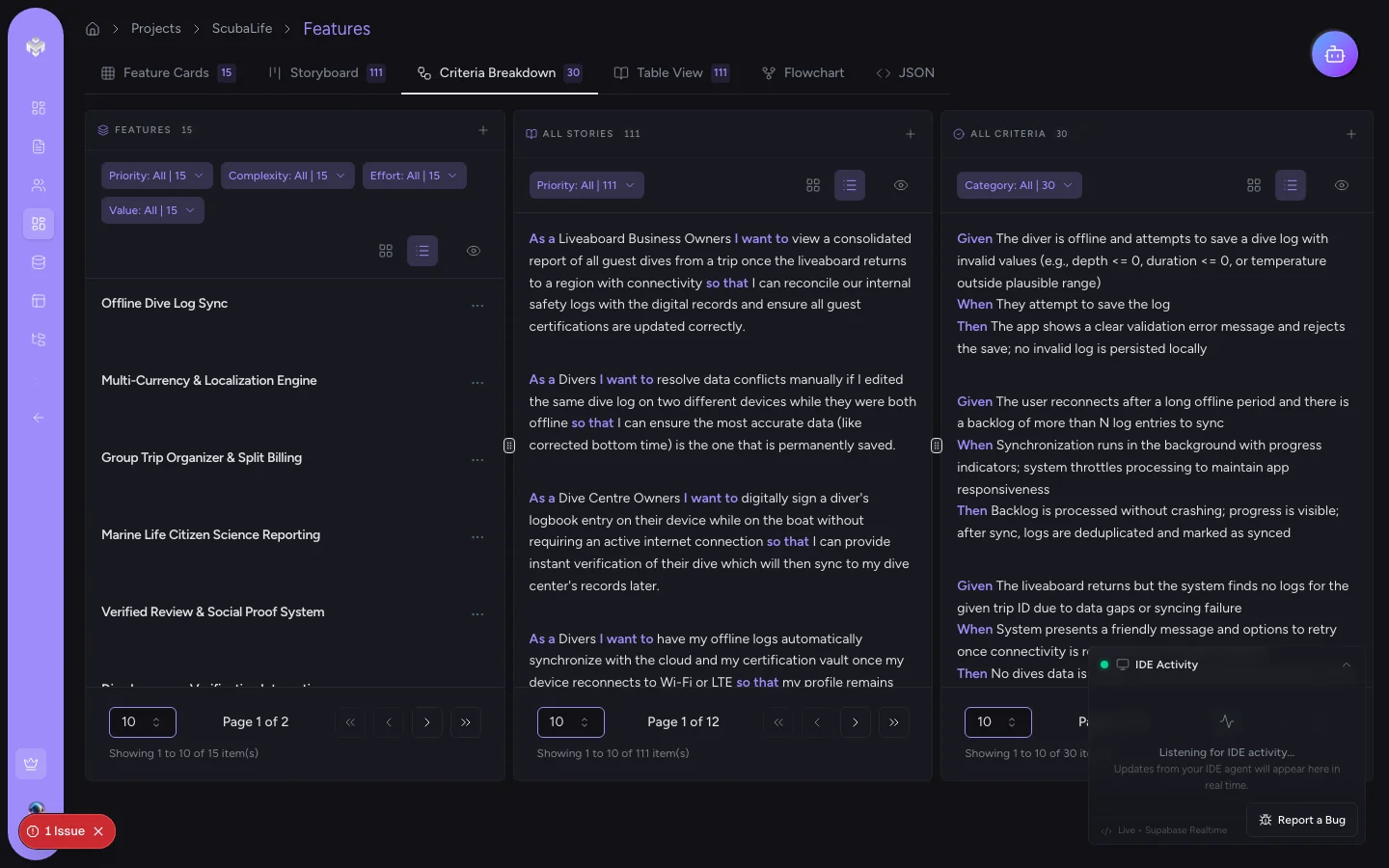
Acceptance criteria
Gherkin Given/When/Then tagged happy path, edge case, and failure state.
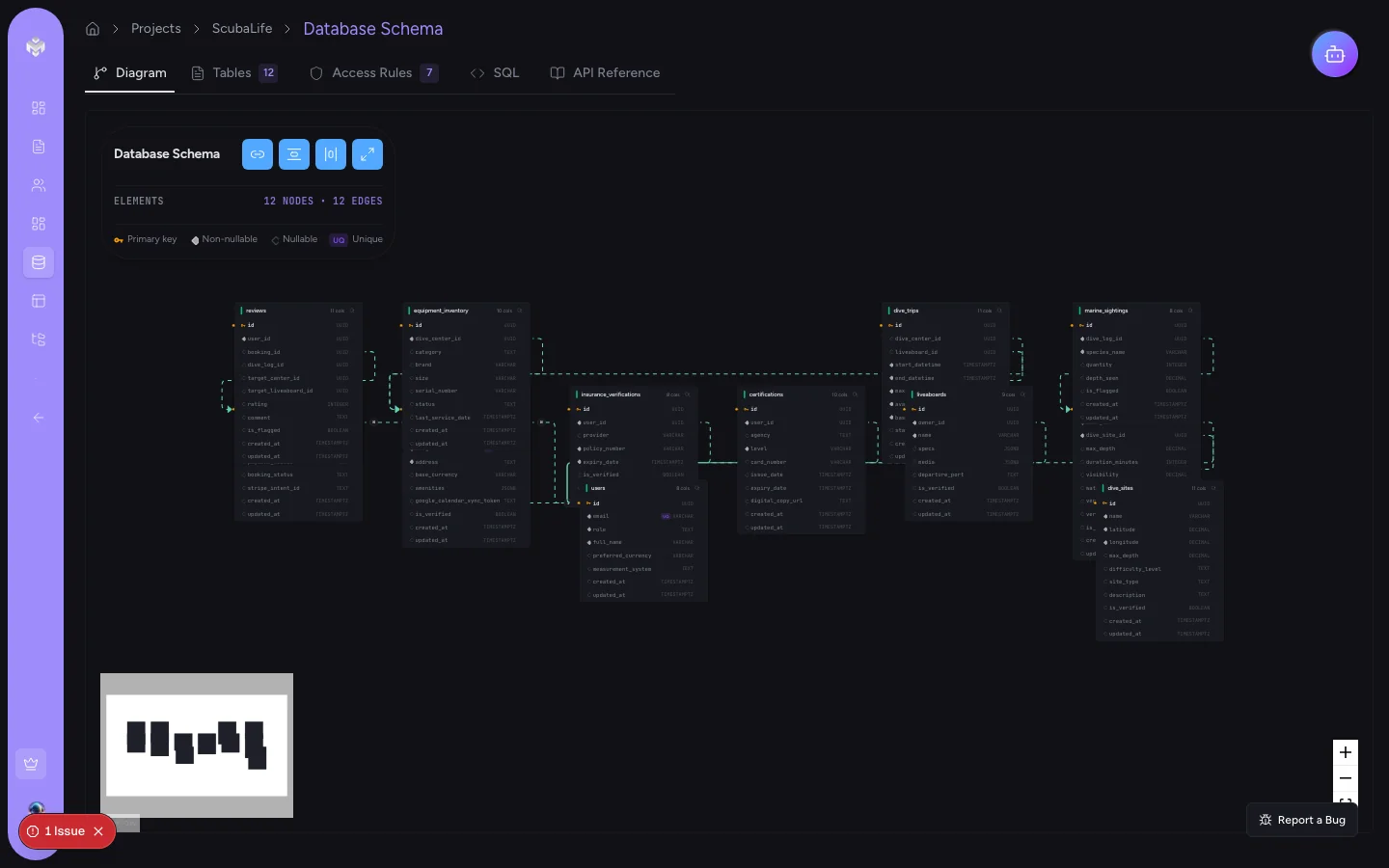
Database schema
A relational schema with tables, relationships, and exportable SQL DDL.
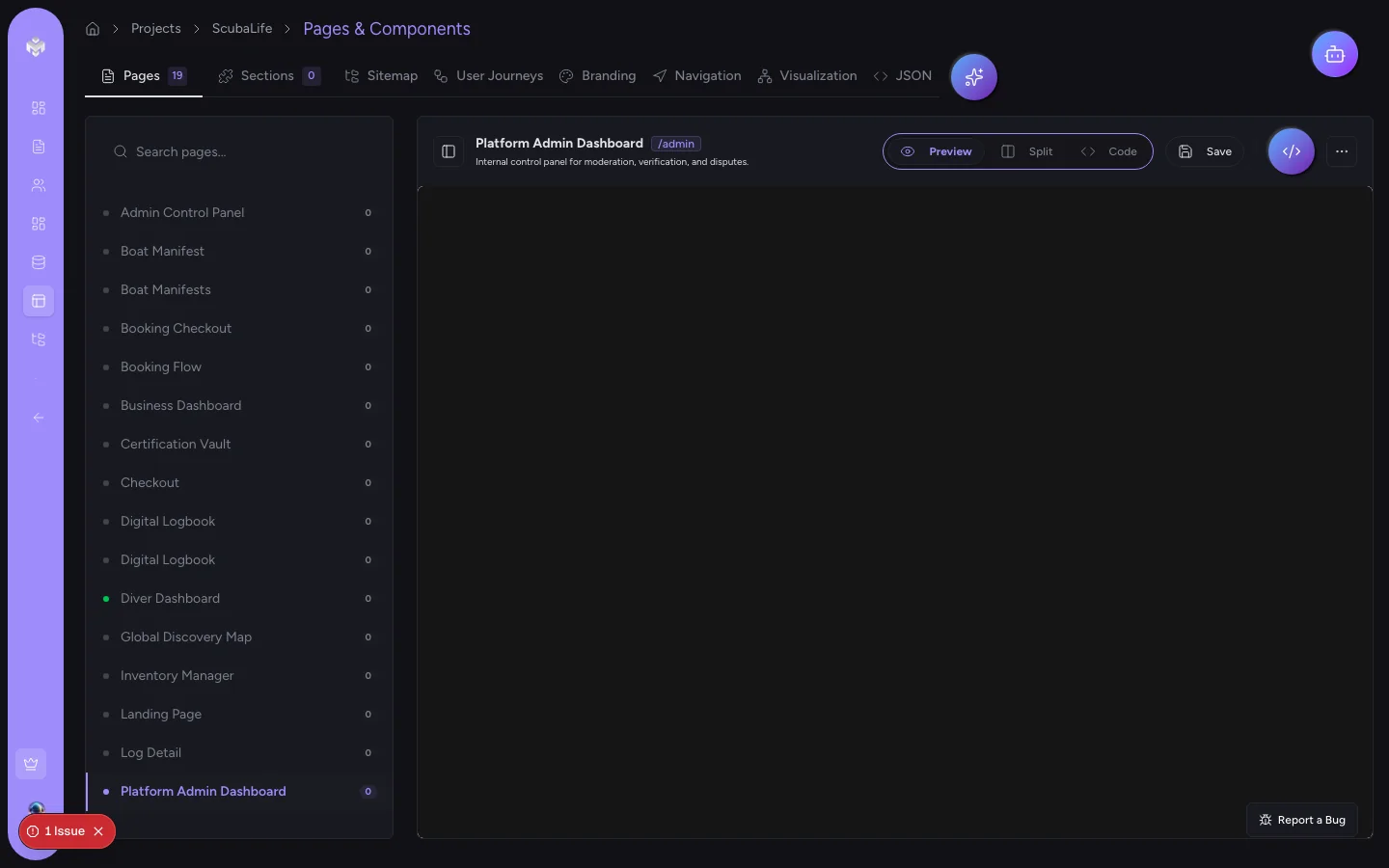
Pages + file tree
A page inventory and file structure ready to scaffold your Next.js app.
Stage 1 · Project overview · live
Your whole spec, scannable on one page.
Every project opens with a structured overview — business context, functional scope, goals, risks, and technical architecture — all derived from your single paragraph of input. Everything on the rest of the page traces back to this.
Stage 1b · Visualization · live
Every entity, every connection, one graph.
The visualization tab pulls every entity in the project — personas, features, stories, acceptance criteria, pages, schema tables — and renders the full relationship graph on a physics canvas. Toggle entity types on or off to isolate relationships, click any node to drill into its detail.
Stage 2 · Personas · live
Three personas. Named, not generic.
VibeMap generates three distinct user personas from your product description — each with a specific role, daily tools, measurable goals, concrete pains, and a quote in their real voice. Every downstream artefact references them by name. No more 'as a user' stories.
Stage 4 · User stories · live
INVEST stories, grouped by feature, filtered by persona.
Every user story follows INVEST and is tied to a named persona and feature. The storyboard groups them by feature so you can see coverage at a glance — filter by persona, priority, or role to spot gaps.
Stage 5 · Acceptance criteria · live
Gherkin criteria, tagged and traceable.
Acceptance criteria attach to each story as Given/When/Then, tagged happy path, edge case, or failure state. The three-column breakdown lets you drill from feature to story to AC in one view — copy-paste into Linear, Jira, or a Cursor session without reformatting.
Stage 6 · Database schema · live
A relational schema, derived from the stories that need it.
VibeMap produces a complete Postgres schema — tables, columns with typed fields, primary and foreign keys, and indexes for every column the stories reference in a WHERE or JOIN. Export as executable SQL DDL or a Mermaid ERD.
Stage 7a · Sitemap · live
Your whole app, mapped as a site.
Pages are organised into a ReactFlow sitemap — structural parent/child relationships on the vertical axis, navigation links as animated edges. Focus on one page to see only its direct neighbours. Pages are derived from stories, so no orphaned routes and no missing ones either.
Stage 7b · Generated UI · live
A real, running page — not a screenshot.
Every page ships with generated React source code inside a Sandpack sandbox. Split view shows the live preview next to the TSX, side by side, ready to drop into your Next.js App Router project.
Free tier · upgrade when it earns its keep
One project free, forever.
Run the full pipeline on one project. Upgrade to Starter ($19) when you need more projects, Pro ($49) when you want the MCP server + unlimited generations.